
Customers & growth
Coupons
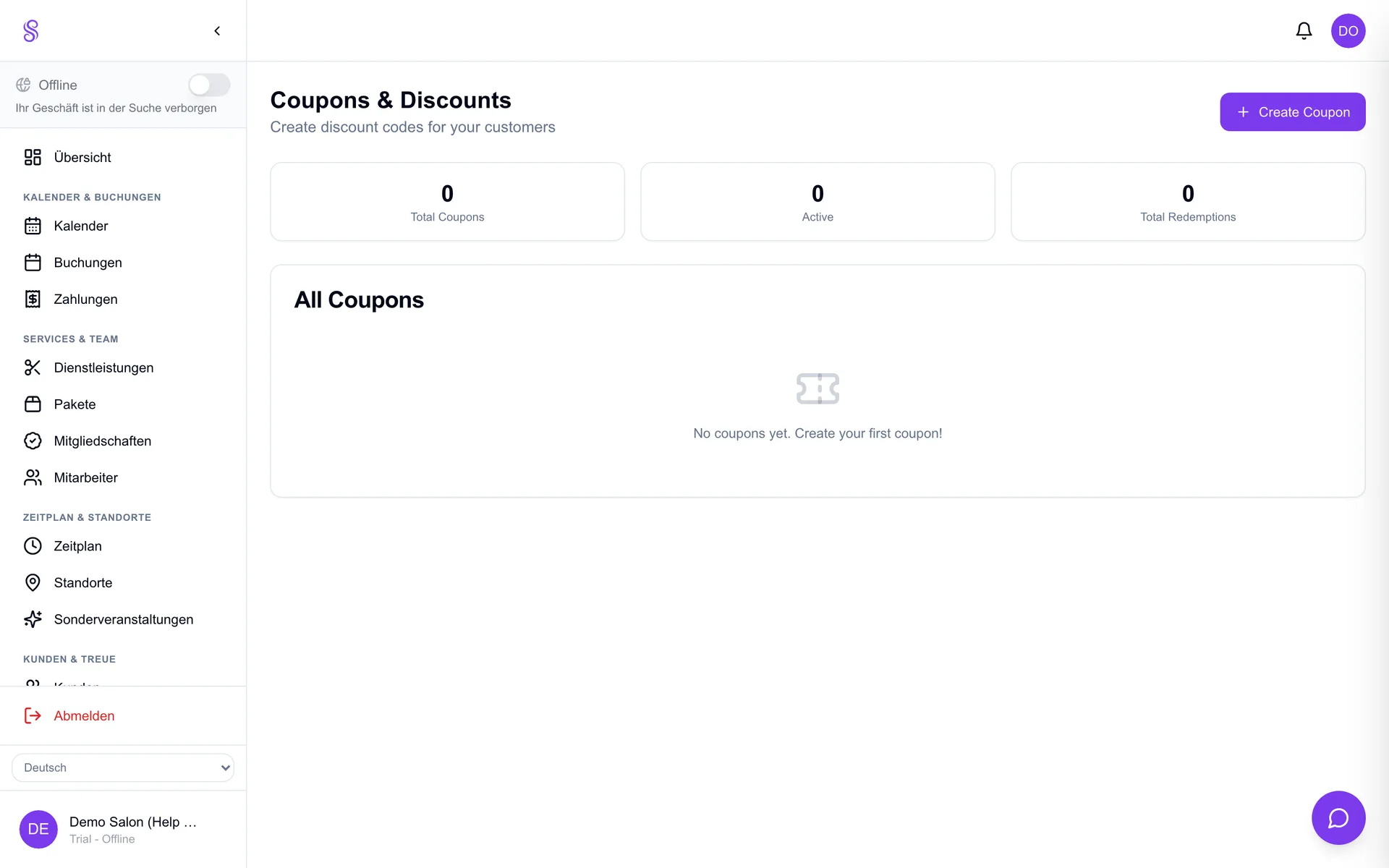
Coupon codes power your promotions — percentage or fixed discounts with usage limits and expiry dates. Customers enter them at online checkout, or you apply them in the POS, making it easy to run a campaign without discounting your whole menu.
How to set it up
- 1
Open Coupons
Find the Coupons module in the dashboard.
- 2
Create a code
Set the code, a percentage or fixed discount, and any limits.
- 3
Set expiry and limits
Cap total uses or per-customer uses and add an expiry date to control cost.
- 4
Share and apply
Customers enter it online; staff apply it in the POS.
Good to know
- Use limits and expiry to keep promo cost predictable.
- Per-customer caps prevent abuse.
- Pair a coupon with an SMS campaign for quiet days.