
Service location & mobile
Weekly pop-up locations
Pop-up locations let you trade from recurring spots — a market every Saturday, a partner studio on Thursdays. Customers booking those days get the correct address, and your calendar knows exactly where you'll be, so routing and timing stay sane.
How to set it up
- 1
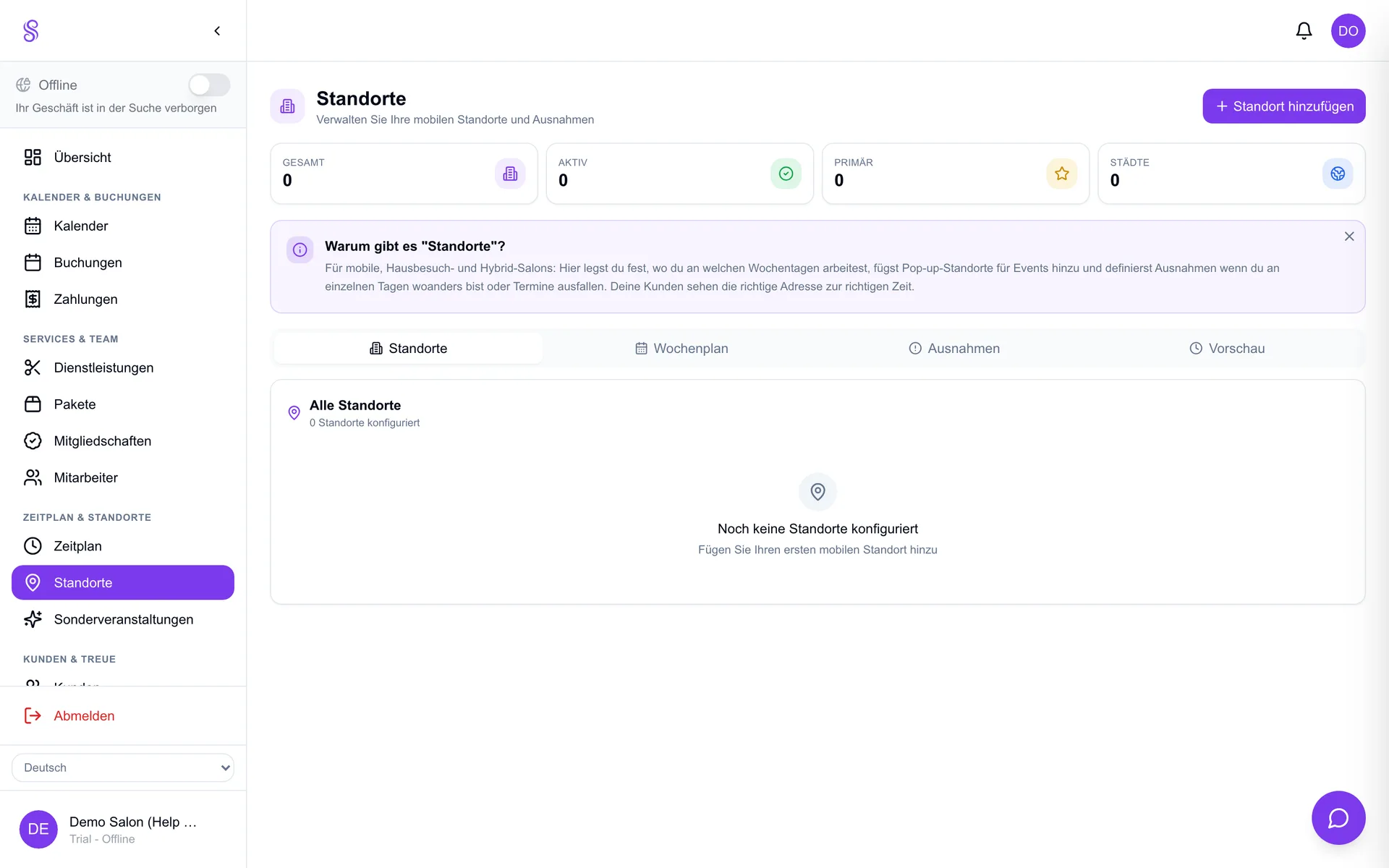
Open Locations
Go to the Locations area in the dashboard.
- 2
Add a pop-up
Create a location with its address and recurring days (e.g. every Saturday).
- 3
Save
Bookings on those days now carry the right address.
- 4
Review on the calendar
Your calendar shows where you are each day so you can plan around it.
Good to know
- Great for markets, fairs and partner venues.
- Each pop-up can have its own recurring schedule.
- Customers always see the correct address for their date.